Accessing the Agents
Written By Christopher Lee
Last updated About 1 year ago
Knobase makes it easy for students to start conversations with AI agents tailored to their subjects, grade levels, or learning goals. Whether they’re asking for help with homework, exploring a topic, or reviewing feedback, students can access agents directly from the interface in just a few clicks.
This intuitive design ensures that AI support is always just one step away—no technical setup required.
🧠 Why It Matters
✅ Encourages independent learning and exploration
✅ Makes AI support accessible and student-friendly
✅ Reduces friction in finding the right agent
✅ Supports multimodal and prompt-based interaction
⚙️ How It Works
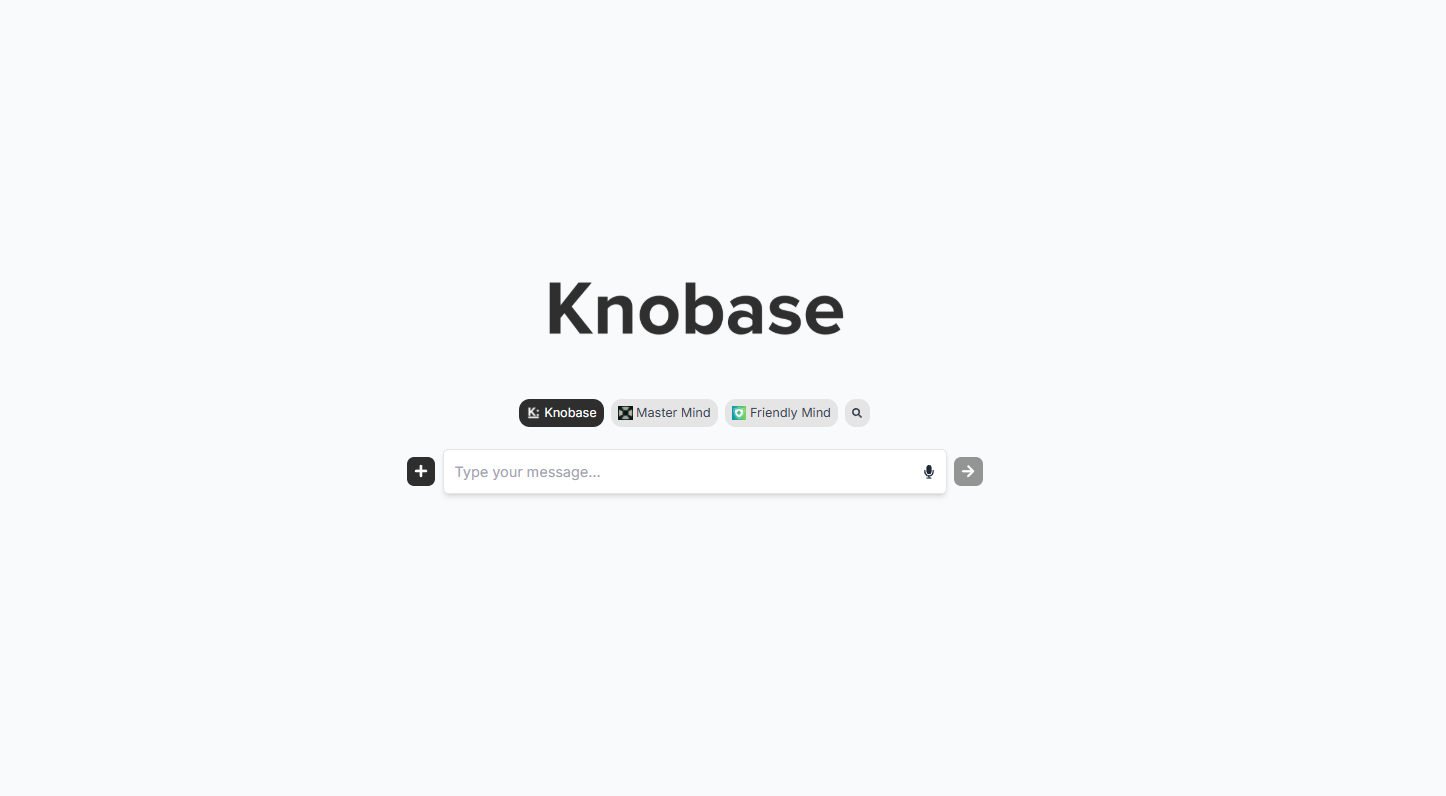
🔍 Option 1: Search from the Home Page
On the Knobase homepage, students can use the search bar to find agents by name, subject, or keyword
Example: Type “History Helper” or “Math Mentor”
Results show available agents with icons and descriptions
Click to start a chat instantly
📸
➕ Option 2: Use the “+” Button on the Sidebar
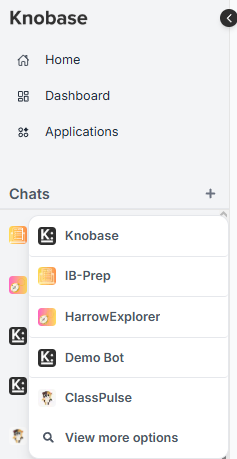
On the left sidebar, click the “+” button to open the agent launcher
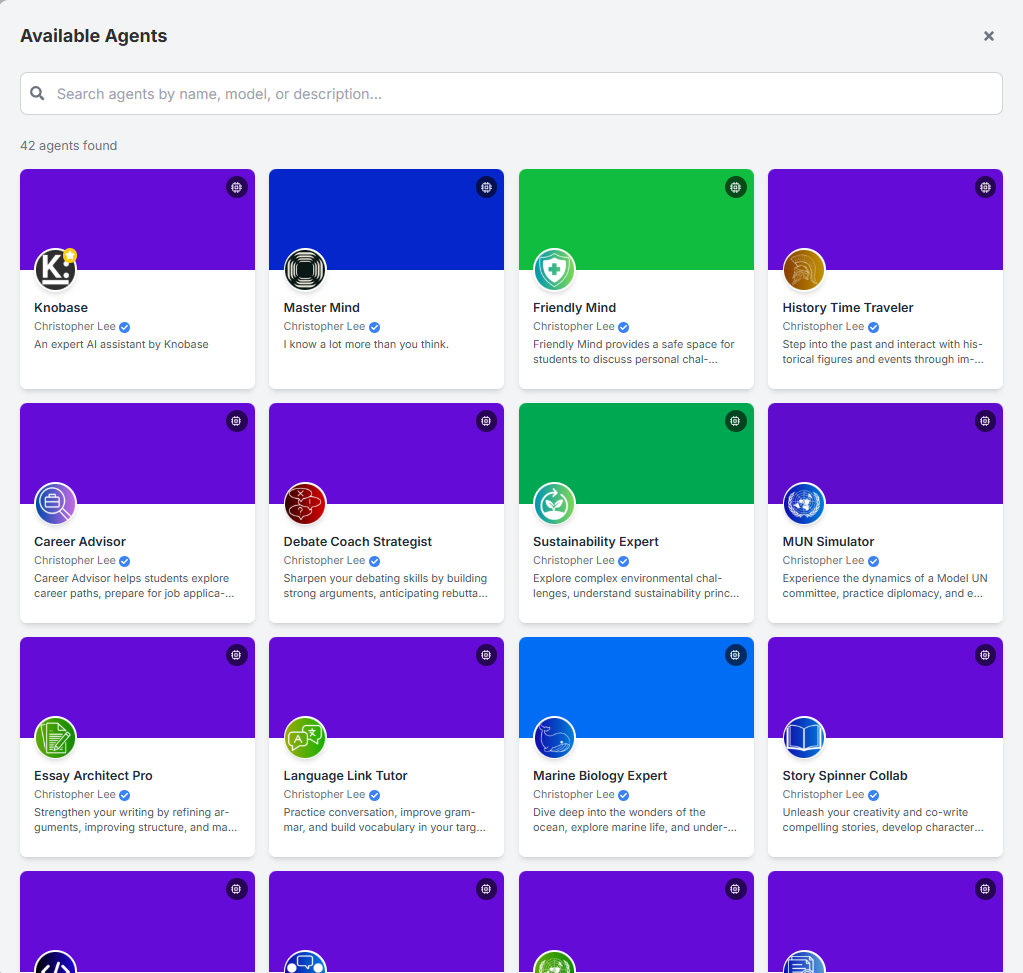
Browse available agents by category (e.g., Humanities, STEM, Enrichment)
Select an agent to begin chatting
This method is ideal for exploring new agents or discovering school-created bots
📸
📸 Both links to agent selection panel
🧑🏫 Teacher-Curated Agents
Some agents are pre-linked to classes or subjects
Students may see recommended agents based on their enrolled courses
Teachers can pin agents to the dashboard for easy access
📸 [Insert screenshot of pinned agents or class-linked agent view]
📌 Use Case Highlights
Was this helpful?
Still need help? Ask the team