Uploading & Organizing Documents
The Knowledge Base is the heart of your Knobase agent’s intelligence. It’s where you upload the documents that agents use to generate accurate, context-aware responses. These materials—curriculum guides, policies, calendars, rubrics—are what make your agents truly personalized to your school.
Written By Christopher Lee
Last updated About 1 year ago
📁 What You Can Upload
Knobase supports a wide range of document types:
PDFs – Curriculum guides, policy handbooks, newsletters
Word Documents (.docx) – Lesson plans, assessment criteria
Text Files (.txt) – Announcements, internal memos
🛑 File Size Limit: 4MB per upload. Compress large files before uploading.
🧠 Why It Matters
✅ Enables Retrieval-Augmented Generation (RAG) for precise, document-based answers
✅ Ensures agents reflect your school’s actual practices and language
✅ Supports case-based learning, policy referencing, and personalized feedback
📂 How to Upload & Organize
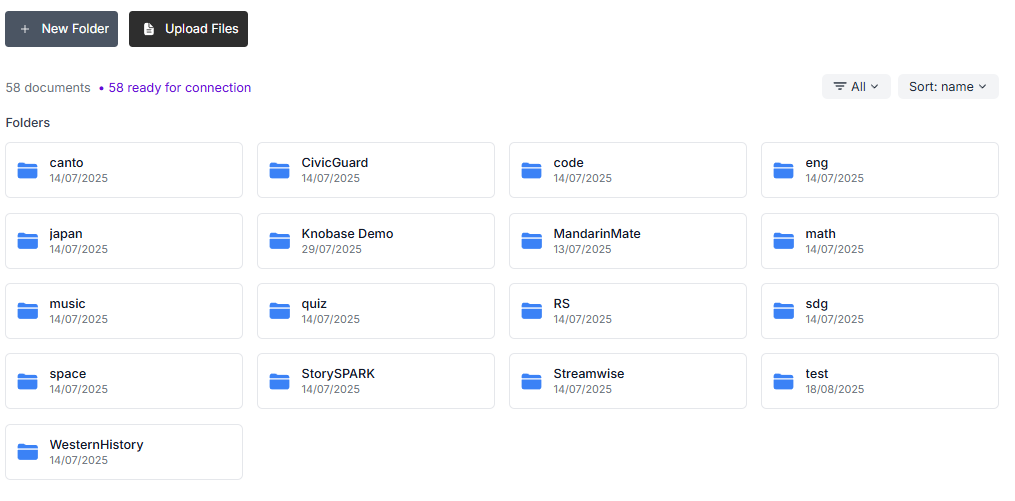
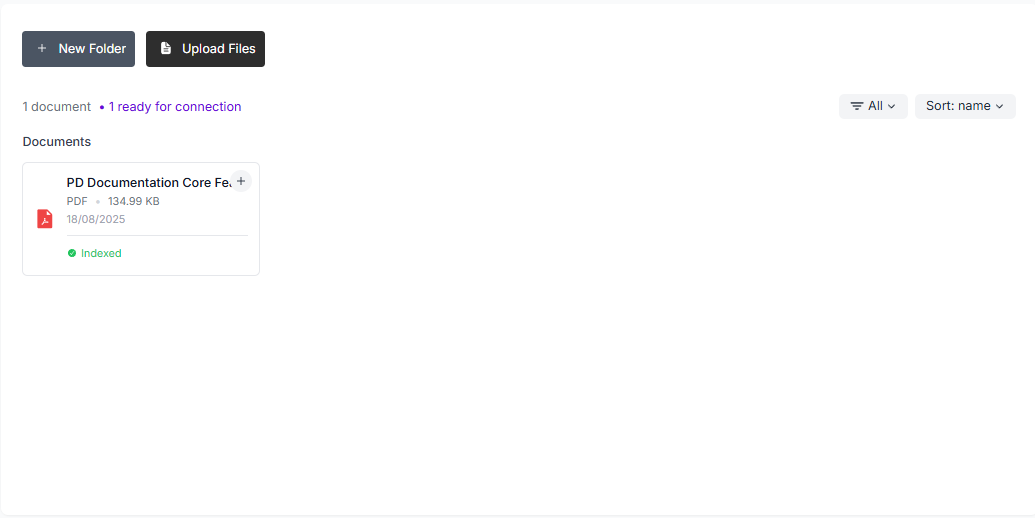
Go to the Knowledge Base tab
Located in the main dashboard
Click “Upload”
Select your files (PDF, Word, image, etc.)
Create Folders by Function or Subject
Examples:
“Curriculum – Year 9”
“Admin Policies”
“Student Life”
“Assessment Rubrics”
Drag & Drop Files into Folders
Keep your Knowledge Base clean and easy to navigate
Connect Folders to Agents
During agent setup, link relevant folders so the agent can reference them during chats